Downloading the App
Welcome to Polyguard Mobile.
This guide walks you through setting up Polyguard and completing your first verification.
Step 1. Download the App
- Download Polyguard Mobile from the App Store or Google Play.
- Tap Download and open the app.
- Setup only takes a 1-2 minutes!
Step 2. Consent Agreement
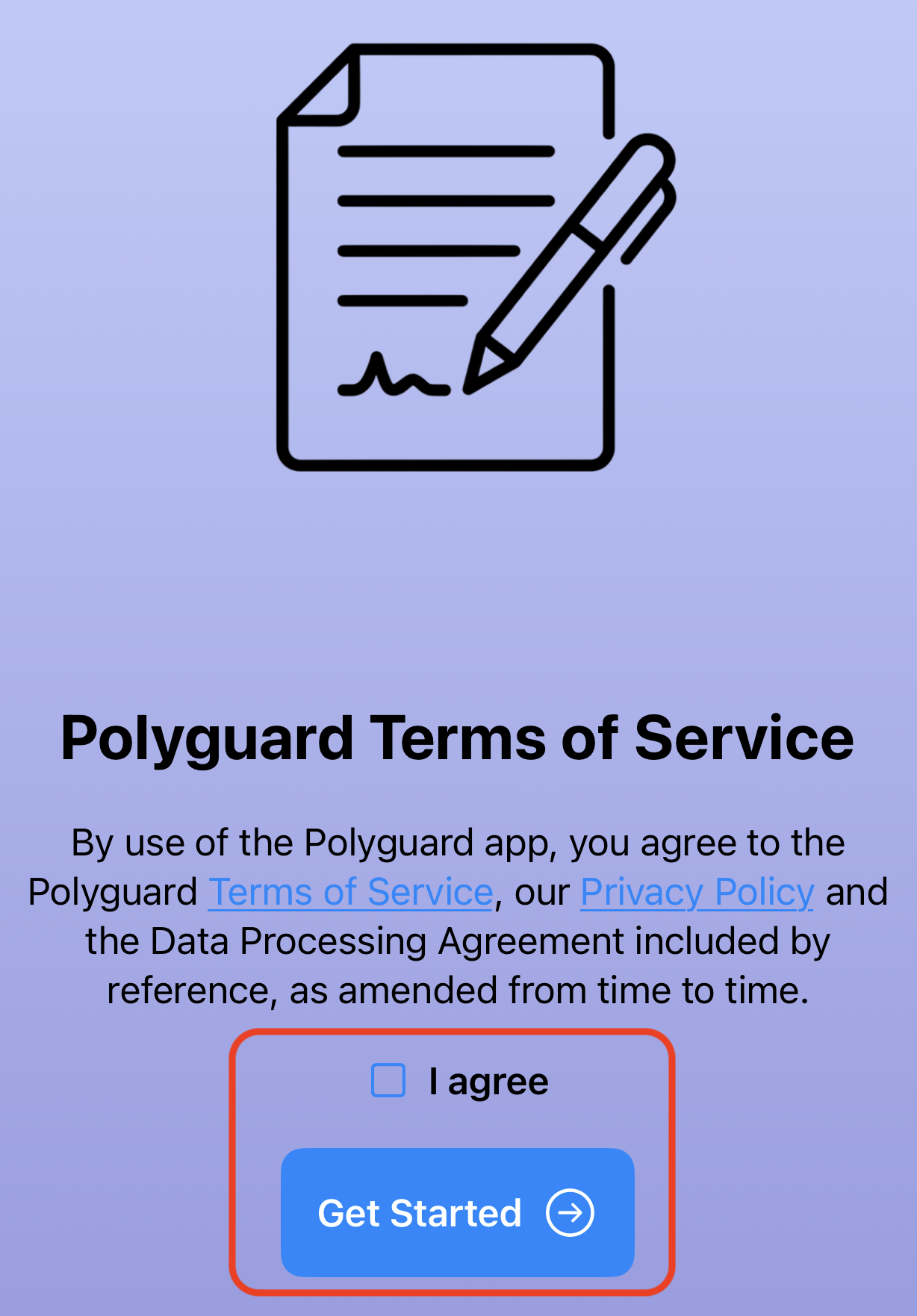
When you first open the app, you'll scroll through a short explanation of our features, followed by the Terms of Service screen. Review and accept to proceed.
Step 3. Device Security Check
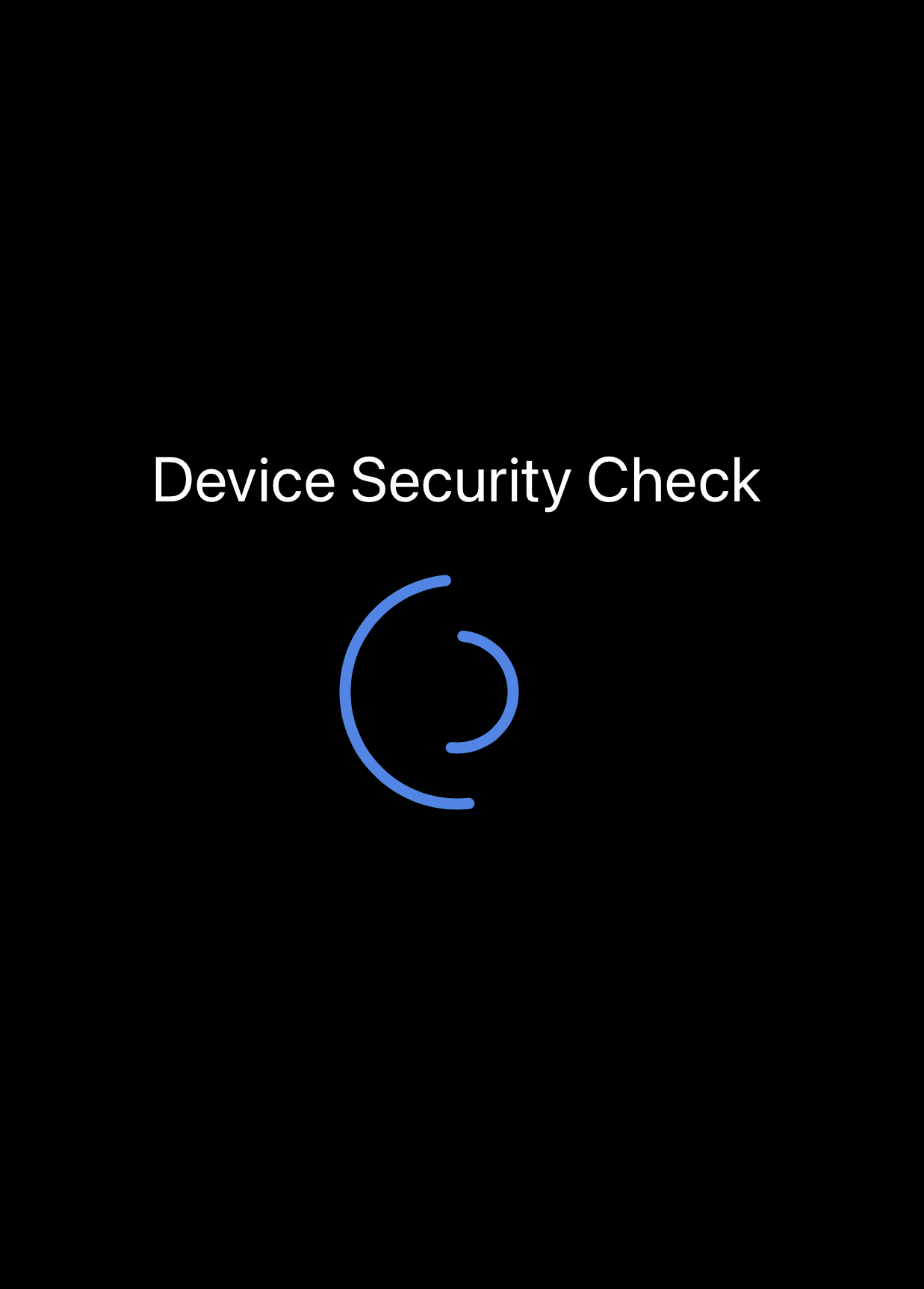
Next the app runs a quick security scan to confirm your phone is safe to use (not jailbroken, not rooted, or uncompromised).
Step 4. Add Your Proofs
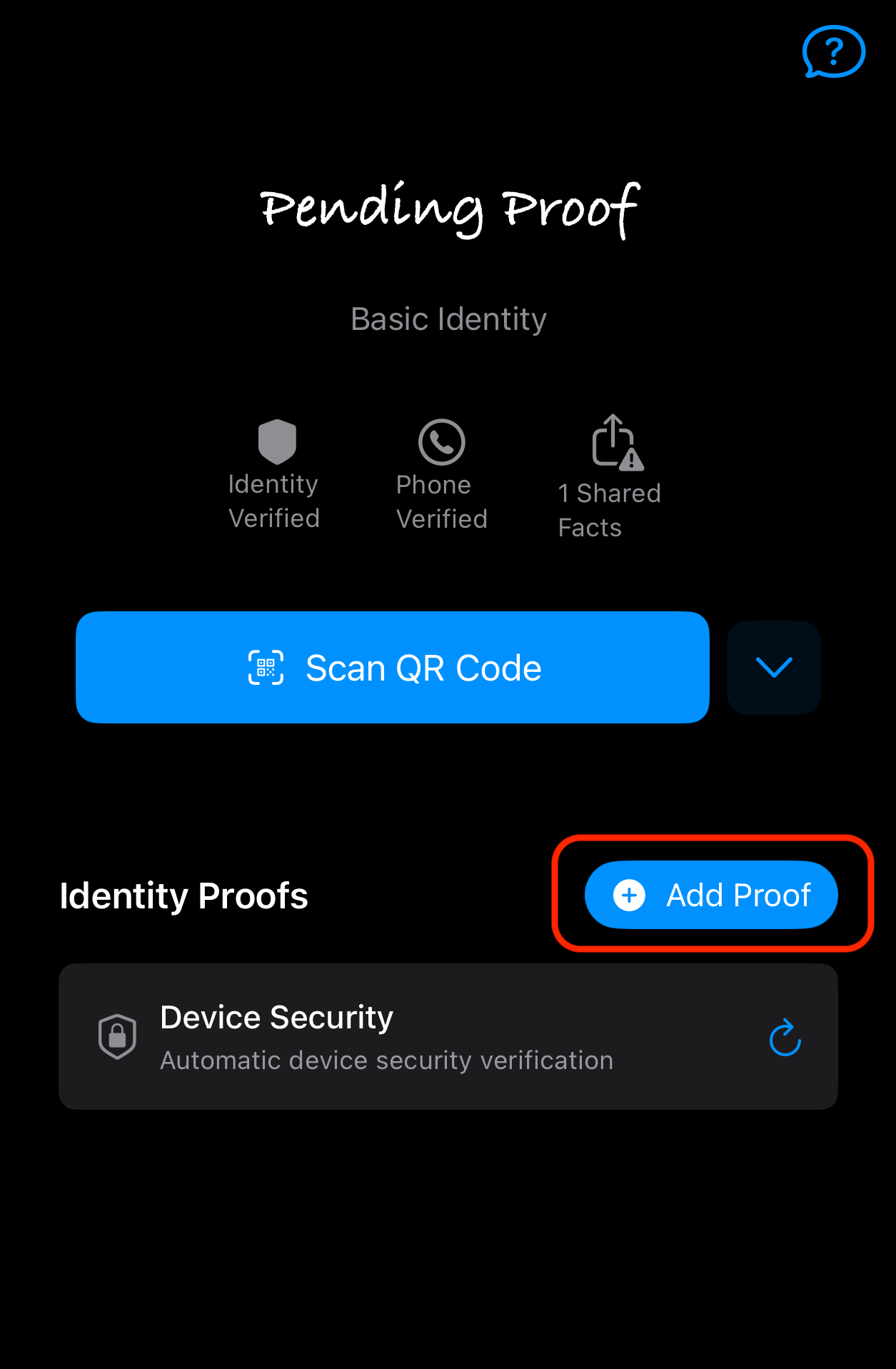
Polyguard guides you through adding identity proofs:
- Phone number – verify with a text message.
- Face biometric – register your live 3D face.
- Government ID – scan your driver's license, passport, or other valid ID.
If you were invited to a meeting, you can scan the QR code provided to automatically pull in the exact proofs required.
Sensitive data like your face and ID documents are stored securely on your device and cannot be read by Polyguard or anyone else.
That's it! You're now ready to use Polyguard for secure, verified interactions.